

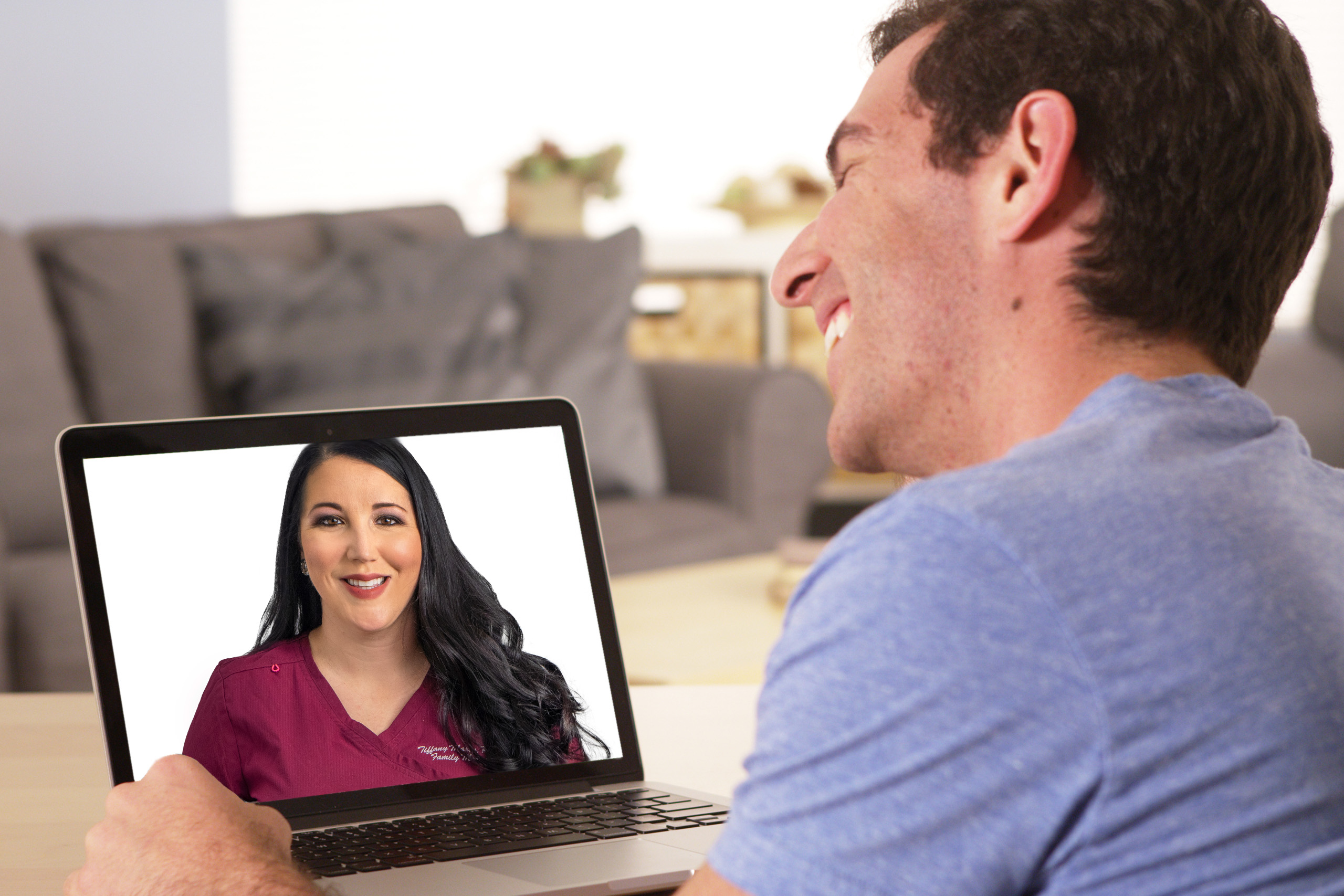
Healow TeleVisits allows you to meet with your provider by secure video using your smartphone, tablet, or computer. With Healow TeleVisits, you can receive quality care from the comfort of your home. If you prefer, you may also join your telehealth visit from any HMS clinic.
Before Your Appointment
- Make sure you have the required items:
- A smartphone, tablet, or computer with a camera & microphone.
- Good internet connection.
- Access to either:
- The Healow app,
- The Patient Portal,
- Or the TeleVisit link sent via email or text (no login needed).
Accidentally Block the HMS Number?
If you are having issues connecting, please check whether the HMS phone number is blocked on your device. If you have previously blocked the HMS number, you will not be able to access Televisits.
To unblock HMS text messaging, patients should:
- Text START to the following three numbers:
- 329674
- 1-844-715-3546
- 1-855-643-7738
- Ensure ALL THREE numbers are texted
This will re-enable appointment reminders, telehealth links, and other important HMS text communications.
The following features are currently available to users of the HMS Patient Portal:
-
- Request prescription refills
- Submitting medical appointment requests
- Receiving appointment reminder requests via email
- View lab and imaging results
- Request medical records
- Viewing current and past billing statements
- Viewing information in the Patient Health Record
- Join telehealth visit
The patient’s PHI (Protected Health Information) is only accessible from a browser with SSL support which ensures all information transmitted over the internet is encrypted and secure. Additionally, no one except the patient has access to the password.
Please call 575-800-1HMS for questions regarding the HMS Patient Portal.